Welcome to Active Teams
Active Teams helps you build simple, sustainable movement habits — at work and beyond.
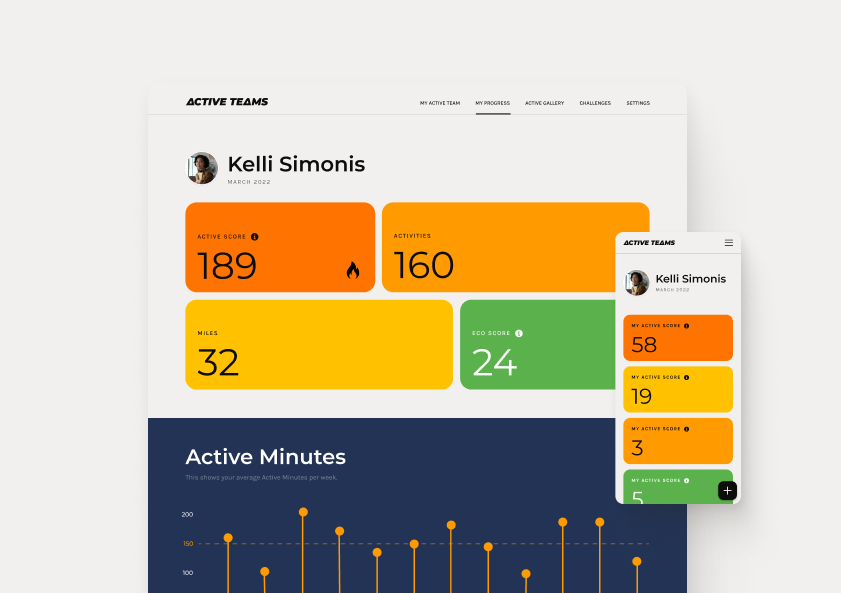
You’ll learn how much activity you’re achieving each week and how it compares to the recommended 150 minutes of moderate activity. No pressure, no judgment - just clear, helpful feedback.
You can join friendly team challenges, see collective progress across your organization, and make everyday movement count - whether that’s a walk between meetings, a cycle commute, or a gym session.
Let’s get you set up.
How to Set up Active Teams
1. Join Active Teams
Use the activation code above to create your account. If you are not sure, add your company name. You'll receive an email with a link to confirm your email address. It takes less than a minute to get started.
2. Create a Free Strava Account
To make it super easy to track your activities, Active Teams can connect to Strava.
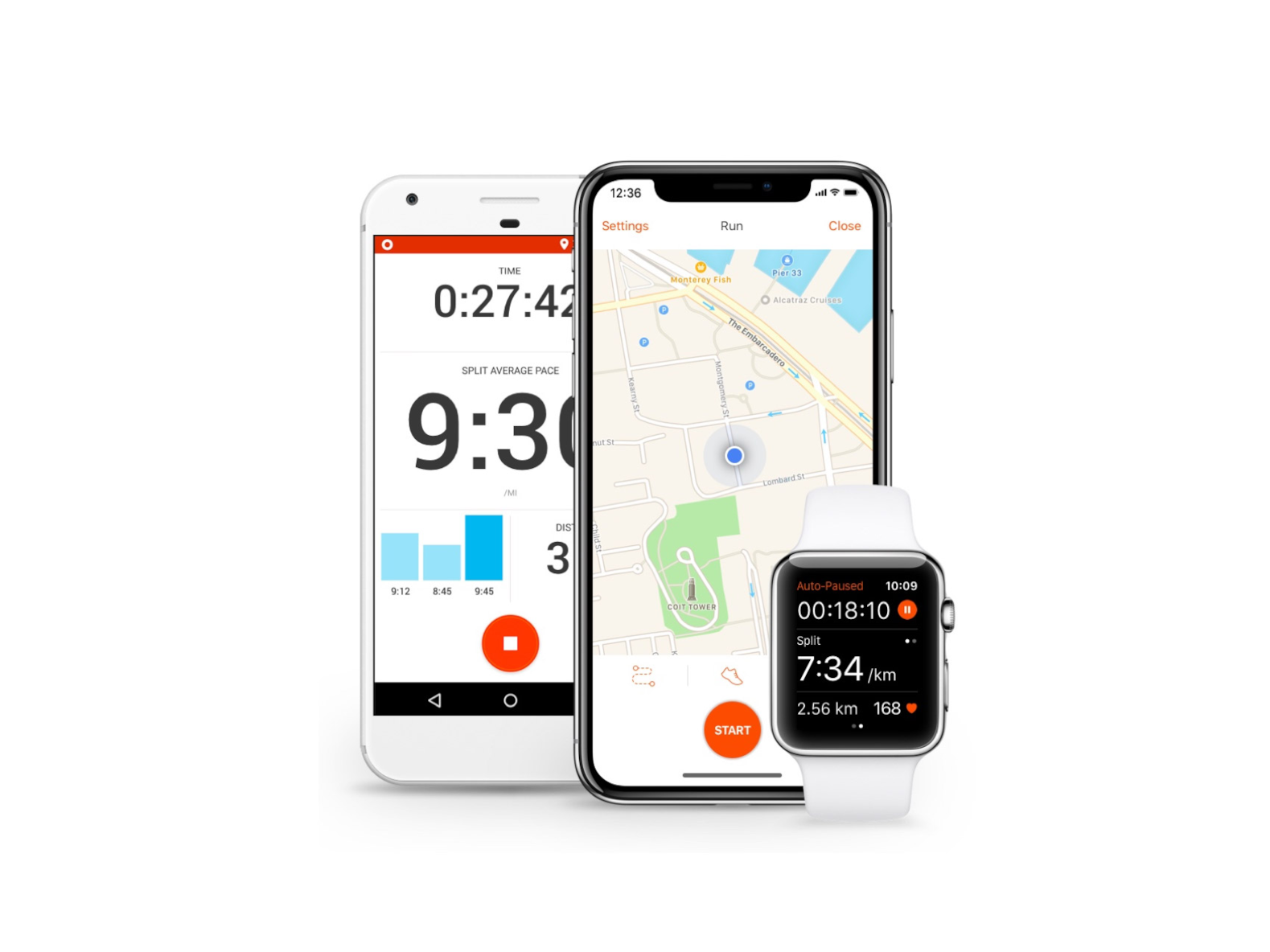
Strava is free to use and works with all major wearable devices (e.g. Apple Watch, Garmin, Polar) and if you don't have a wearable you can use the excellent Strava mobile apps for iPhone & Android.
If you already have a Strava account then sign in.
3. Link Strava to Active Teams
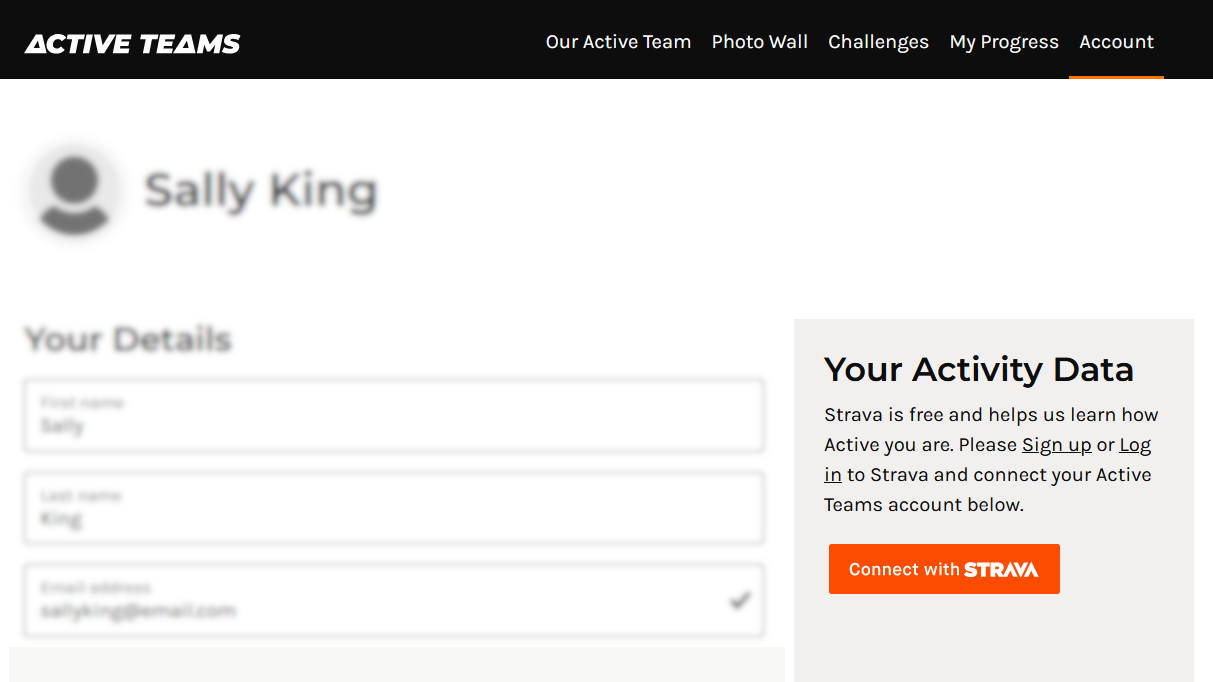
Log in to Active Teams and visit your Active Teams account page.
Click the orange Connect with Strava button.
Leave the checkboxes and click Authorize.
That's it, you're ready to start moving, scoring and winning!
Connecting Your Device to Strava
Check Your Privacy Settings
It's worth taking a few minutes to check your Strava Privacy Controls, in particular your map settings.
Enable at least one of these options:
- Hide your activity maps from others completely
- Hide the start and end points of activities no matter where they happen
- Hide the start and end points of activities that happen at a specific address
Your Strava Privacy Controls will not affect your scores or points on Active Teams.
Connecting Apple Watch to Strava
Recording activities with the Strava app on your Apple Watch
- Download the Strava app on your iPhone
- Once installed, the Strava app should appear on your Apple Watch automatically
- Open the Strava app on your Apple Watch
- Select your activity type - e.g. Walk, Run, Cycle
- Hit Start when you're ready to begin.
- When you've finished, tap Stop and then Save
⚠️ Please note: The Strava Apple Watch app requires watchOS 10 or later (Apple Watch Series 4 or later). If you have an older watch, you can still use the Workout app on your watch and sync via Apple Health.
Older Apple Watches
Recording activities using the Apple Watch Workout app
- On your iPhone, open the Strava app and tap You (bottom right) then go to Settings → Health
- Make sure Automatic uploads is switched on — this allows Strava to pick up workouts from Apple Health automatically
- Open the Workout app on your Apple Watch
- Select your activity type - e.g. Walk, Run, Cycle
- Hit Start when you're ready to begin
- When you've finished, tap Stop and then Save
Your workout will save to Apple Health and Strava should pick it up automatically. If it does not you may have to go back into the Strava app → Settings → Health and click Import on the activities listed.
⚠️ Please note: The sync from Apple Health to Strava isn't always instant.
Connecting Garmin to Strava
You only need to do this once - after that, activities sync automatically.
- Download and open the Garmin Connect app on your phone
- On iPhone tap More (bottom right); on Android tap the three lines (top left)
- Go to Settings → Connected Apps → Strava
- Tap Connect and sign in to your Strava account when prompted
- Accept the permissions to link the two accounts
Once connected, any activity recorded on your Garmin device will sync to Garmin Connect and then automatically appear in Strava.
⚠️ Please note: Sync isn't always instant - give it a few minutes after your activity appears in Garmin Connect before checking Strava.
Connecting Fitbit to Strava
Only GPS-tracked activities sync from Fitbit to Strava. If your Fitbit device doesn't have built-in GPS, or you record an activity without GPS, it won't sync. In that case, we'd recommend using the Strava app on your phone to record or add the activity instead.
You only need to do this once — after that, GPS activities sync automatically.
- Visit strava.fitbit.com on your phone or computer
- Click Connect and log in to your Strava account when prompted
- Authorise Strava to connect to your Fitbit account
Connecting Samsung Health
Only activities recorded with GPS will sync to Strava - indoor workouts and activities without GPS data won't transfer. If you're doing indoor exercise, we'd recommend using the Strava app on your phone.
- Open the Samsung Health app on your phone
- Tap the three dots (top right) to open the menu
- Go to Settings → Connected Services
- Select Strava and sign in to your Strava account when prompted
- Authorise Samsung Health to share your activities with Strava
⚠️ Please note: This setup is only available on Android. Samsung Health cannot connect to Strava from an iPhone.
Don't see your device listed above?
Strava supports a wide range of fitness trackers, watches and apps. Visit the Strava Help Centre for a full list of supported integrations and connection guides.
Need Assistance?
No problem, get in touch below and we'll help you out.
